

Fortnite — Arcane
Product Images
Requirements
Supported CPU: Intel & AMD Support Windows Versions: 10 - 11 Supported Game Version: Steam Supported Game Mode: Windowed / Borderless Stream Proof: Yes
Aimbot
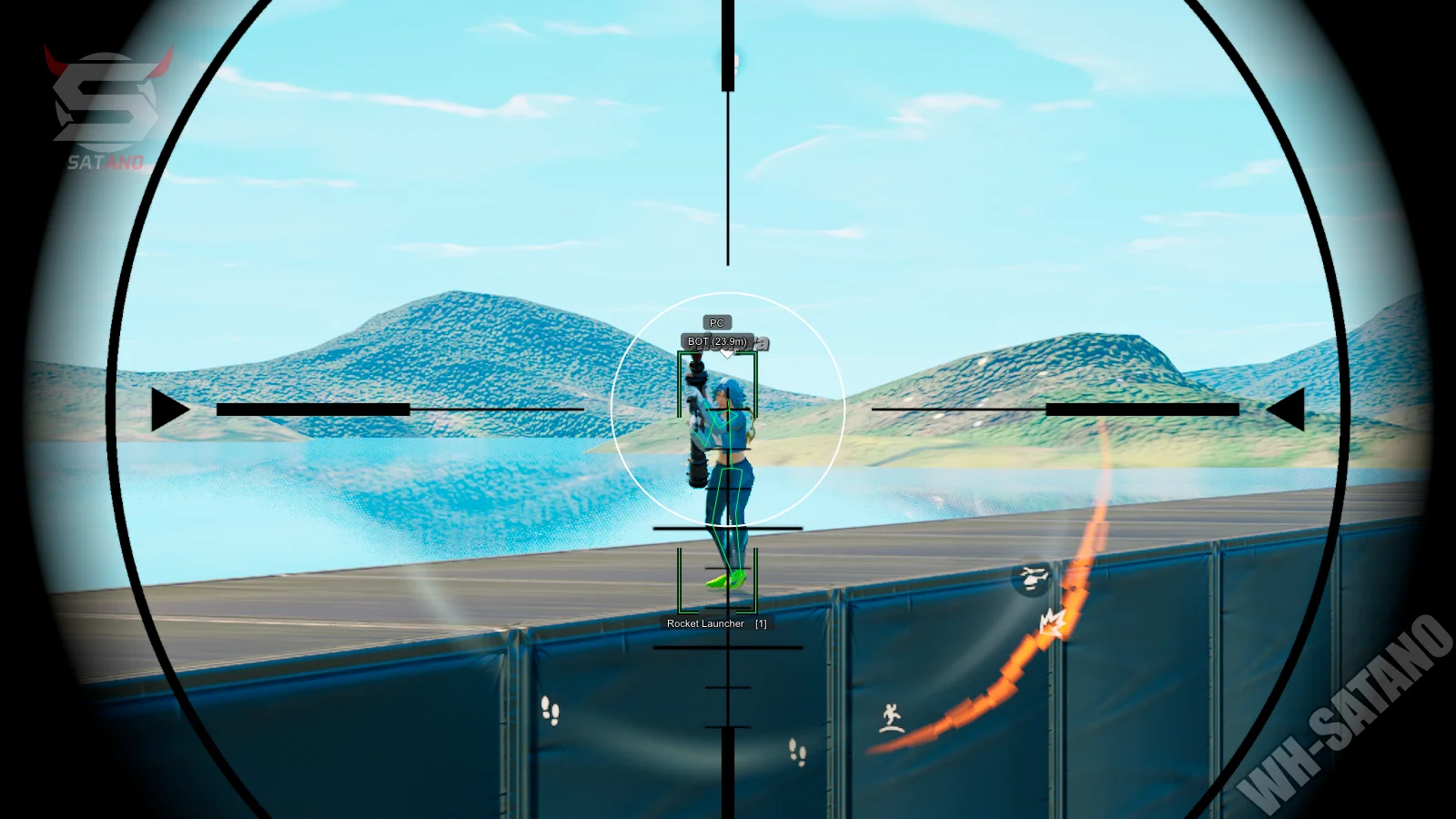
Enable Aimbot – Turn on the aim assistance system. Aim Key – Bind for aimbot activation. Weapon Type – Independent aimbot settings for Pistols, SMGs, Rifles, Shotguns, and Snipers. Targets – Choose to target Knocked players, Bots, or Teammates. Bone – Select target body part: Head, Neck, Body, or Legs. Smooth – Controls the speed of aim movements; higher values result in more human-like aiming. FOV – Adjust the size of the aimbot's effective area. Draw FOV – Displays the aimbot radius as a circle on your screen. Distance – Maximum working range of the aimbot. No Recoil – Removes weapon recoil while firing. Visible Check – Ensures the aimbot only targets enemies not behind walls. Prediction – Automatically calculates enemy movement trajectories for accurate leading.
Player ESP
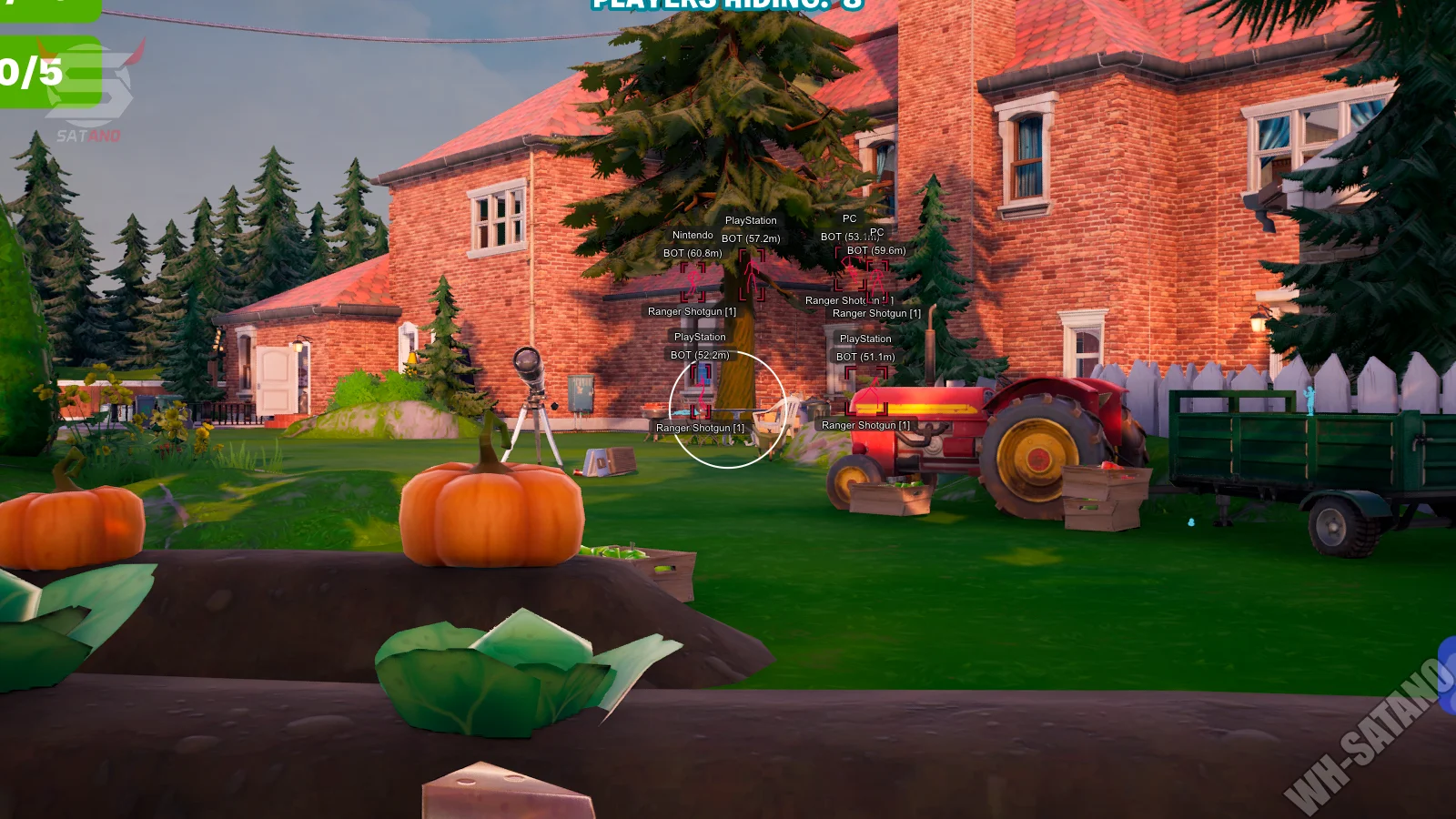
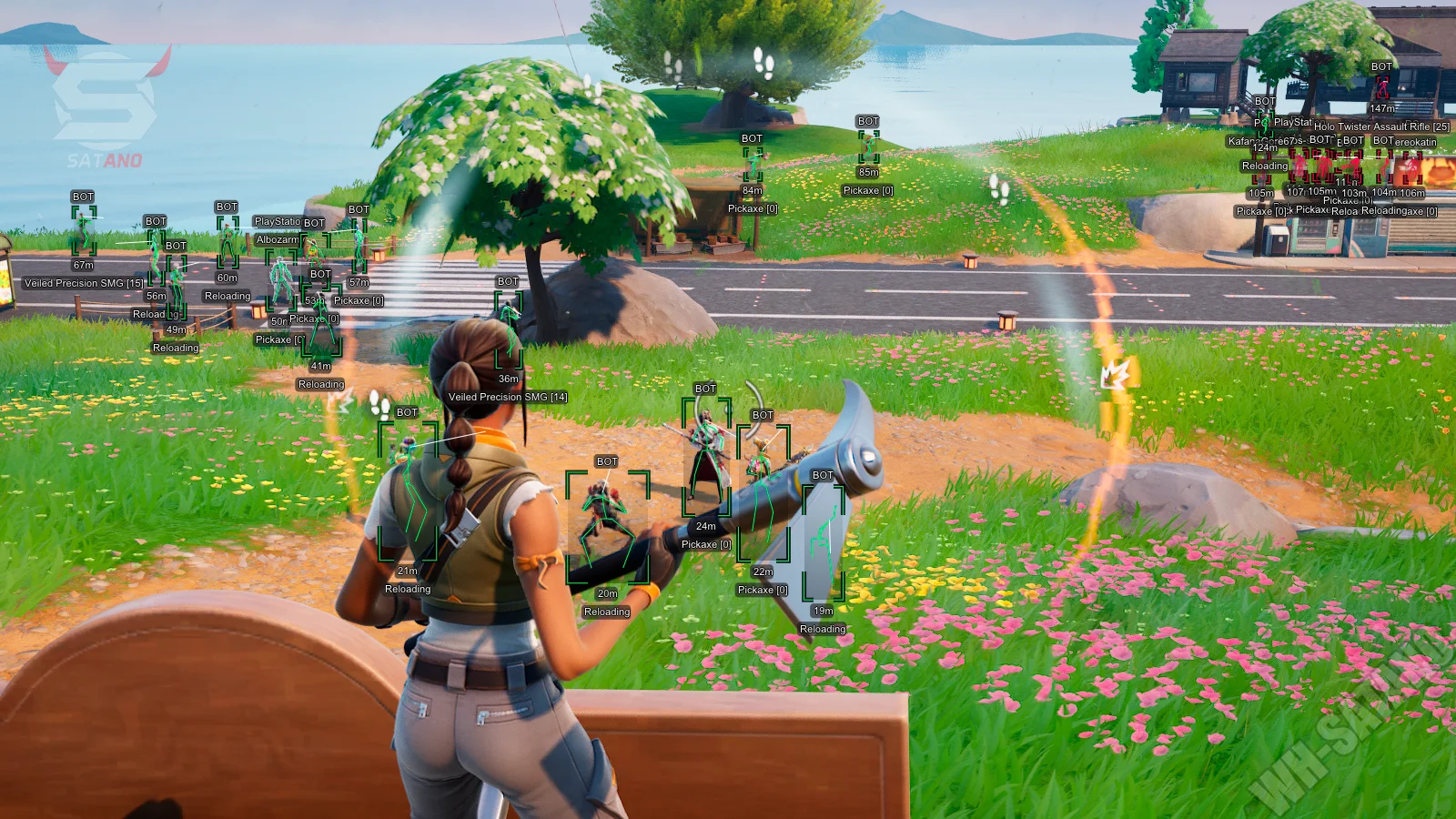
Players ESP – Master toggle for displaying player information through walls. 2D Boxes – Highlights players with 2D box frames. Line – Draws snaplines from your position to other players. Skeleton – Visualizes the enemy bone structure. Weapon – Shows what weapon an enemy is currently holding. Distance – Displays the range to targets in meters. Nickname – Shows player names. Platform – Displays the target's platform (PC, PlayStation, Xbox, etc.). Kill Score – Shows the current kill count for a specific player. Team ID – Displays the target's team number. View Line – Indicates the direction a character is looking. Is In Vehicle – Marks if a character is currently driving or riding in a vehicle. Knocked – Specifically highlights downed enemies. Visible Check – Uses different colors for targets behind cover vs. those in direct sight. Hide Bot/Show Team – Filters for AI bots and allies. Max Distance – Sets the rendering range for the Wallhack.
Loot ESP
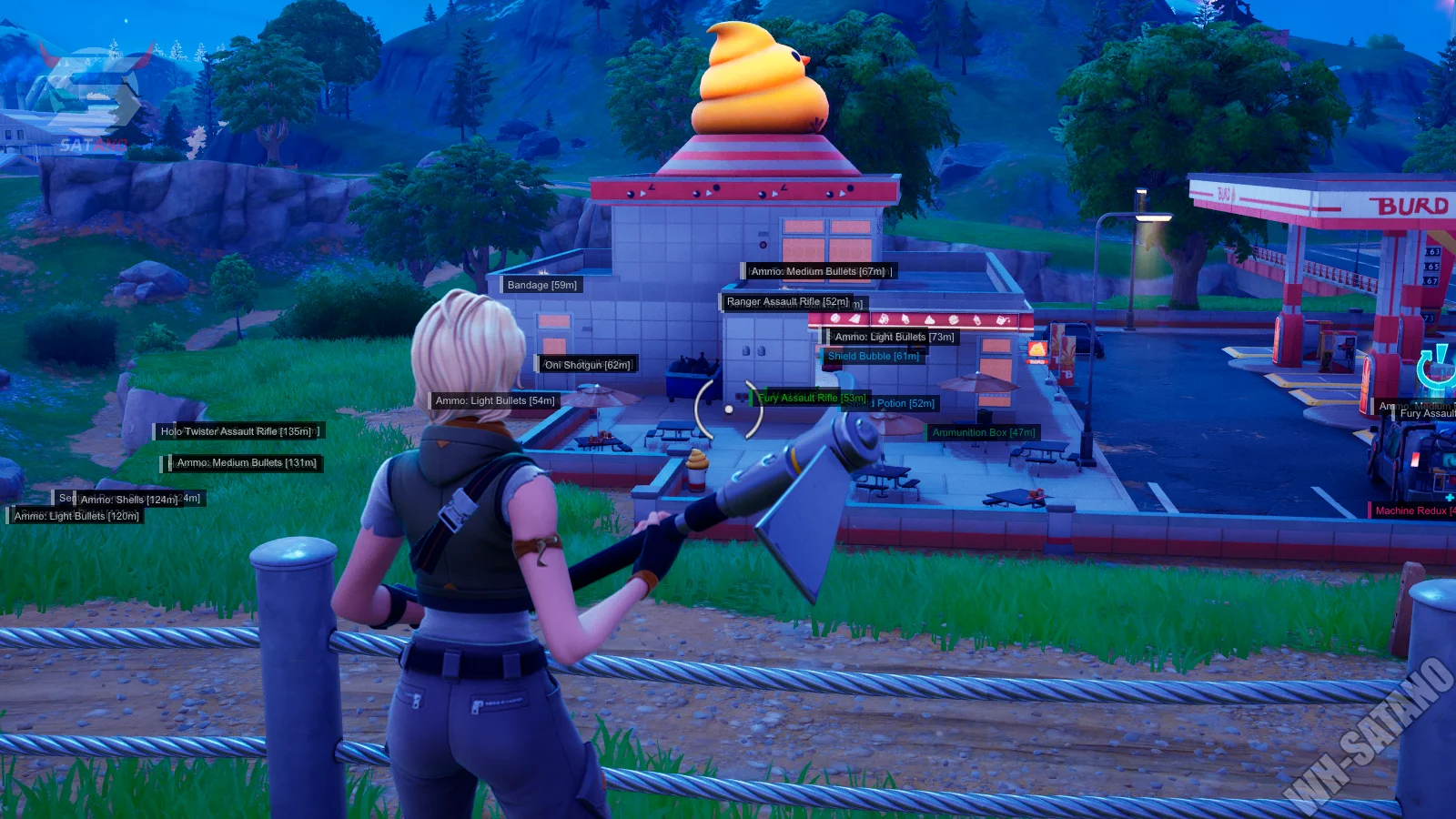
Items ESP – Enables the display of loot and world items. Distance & Name – Shows the location and title of displayed objects. Rarity Filters – Filter items by Common, Uncommon, Rare, Epic, Legendary, and Mystic tiers. Max Distance – Adjustable range for item visuals. World Objects – Highlights Chests, Ammo Boxes, Vending Machines, Vehicles, and Ziplines.
Misc
Battle Mode – Instantly hides all ESP except for players to clear your vision for combat. Crosshair – Adds a customizable static crosshair to the center of your screen. Arrows – Directional indicators for targets currently outside your field of view. Configs – Save and load your personalized settings profiles. Language – Menu support for English, Russian, and Chinese. StreamProof – Software remains completely invisible on streams, videos, and screenshots.


